
How it works
From one photo to a full product shoot
You never write a prompt, and you always see the price before anything is made. Here is exactly what happens.
Step 1
Upload your photos
Take a photo with your phone or pick from your gallery. One is enough, and up to 6 angles help the back, sides and details come out right.
- Whole product in the frame
- Front first, then back, sides or a close-up
- JPG, PNG or WebP up to 25 MB each
Drop your photos here
Choose photosUse camera
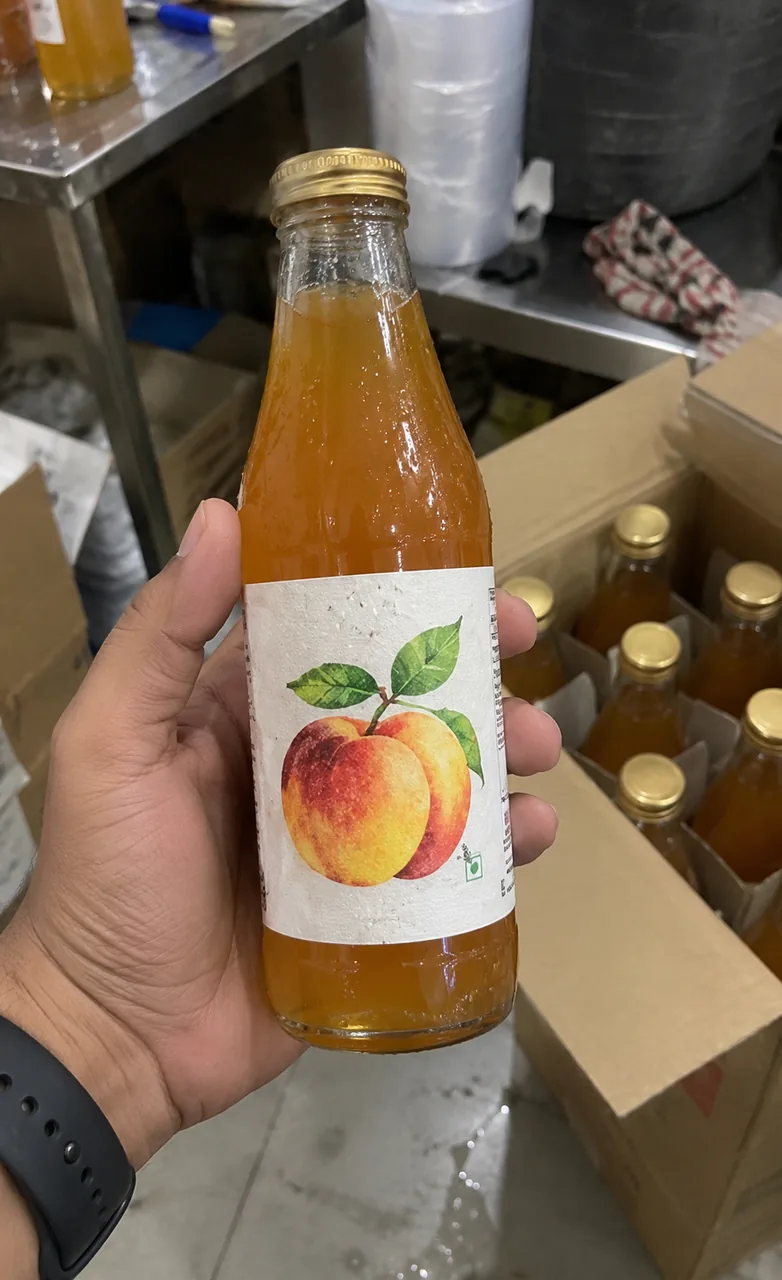
peach-iced-tea.jpg68%
Peach iced tea
Read clearlyCategoryBottled drink
Label textPeach Iced Tea
MaterialGlass bottle
Size330 ml
Step 2
Check the details
We read your product, its label and its size, so the scene fits it. Fix anything we got wrong in one tap.
- Category picked for you
- Label text read from the photo
- Add back or side photos if you like
Step 3
Pick a style
Styles are made for your category, so drinks get café tables and sarees get courtyards. Browsing is always free.
- Studio, lifestyle and model shots
- See an example before you choose
- Tick shoot ideas written for your product
For youStudioLifestyleWith a model
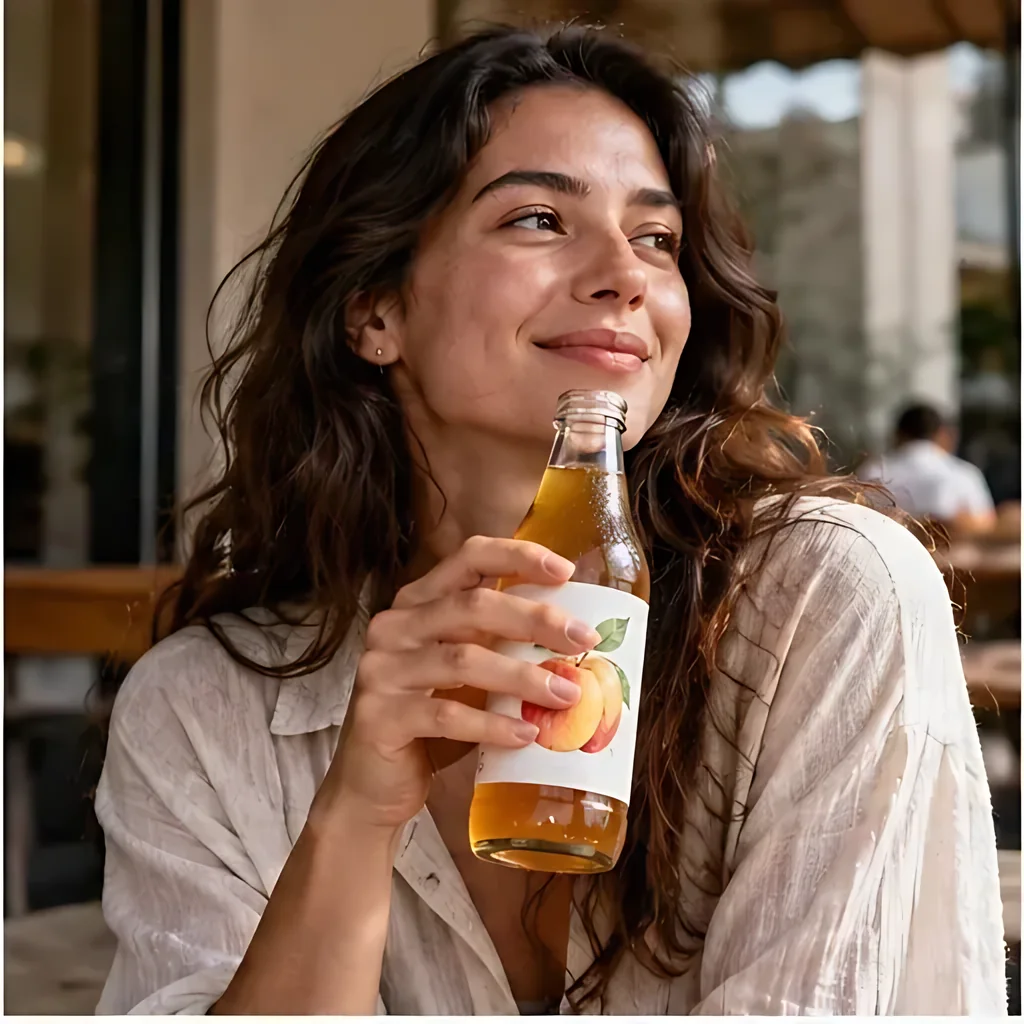
With a model
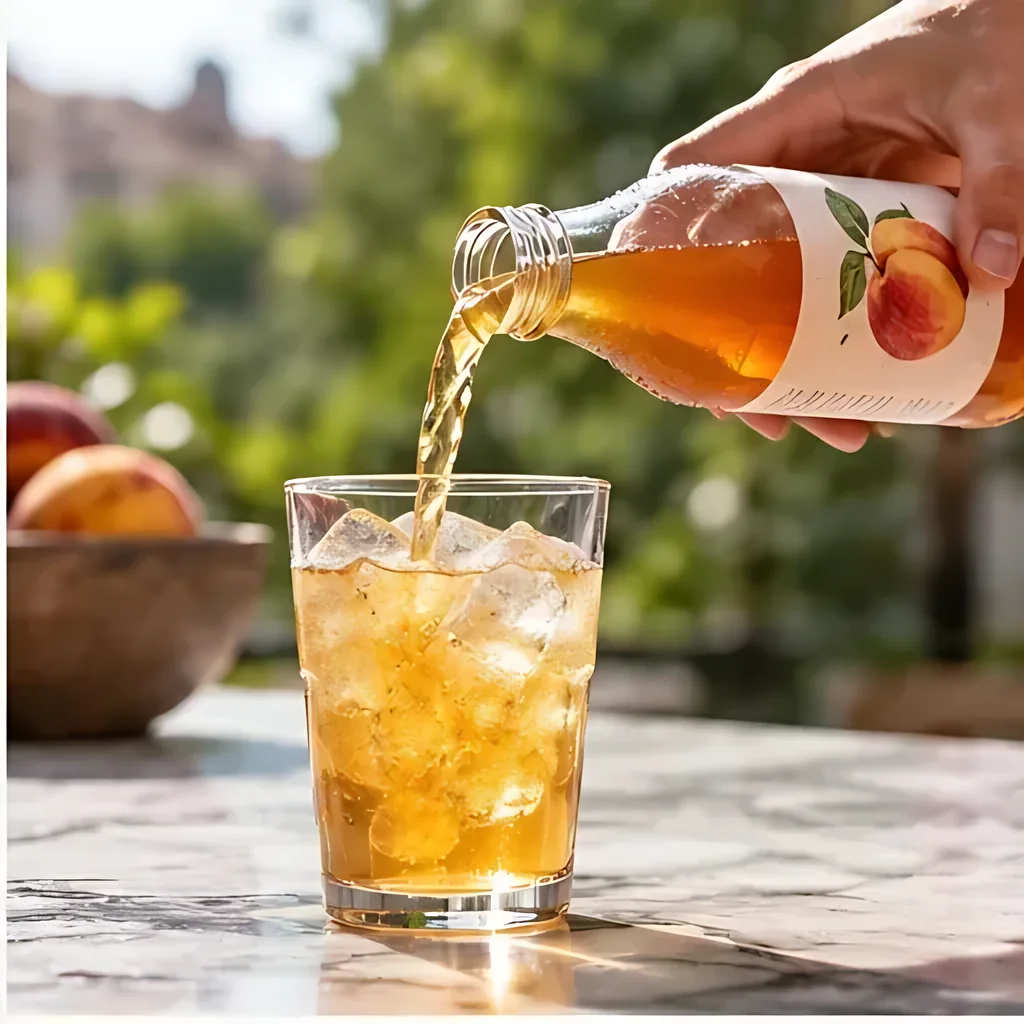
Pouring
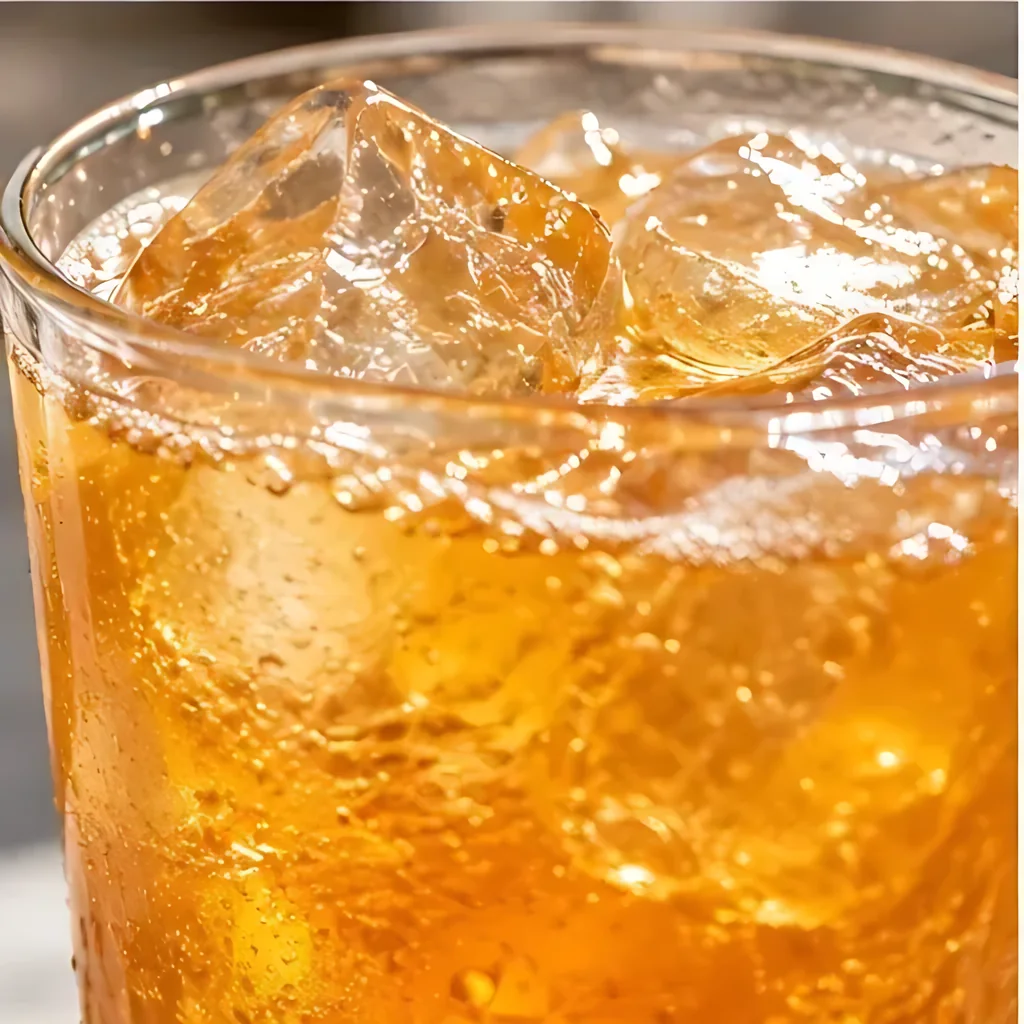
Close-up
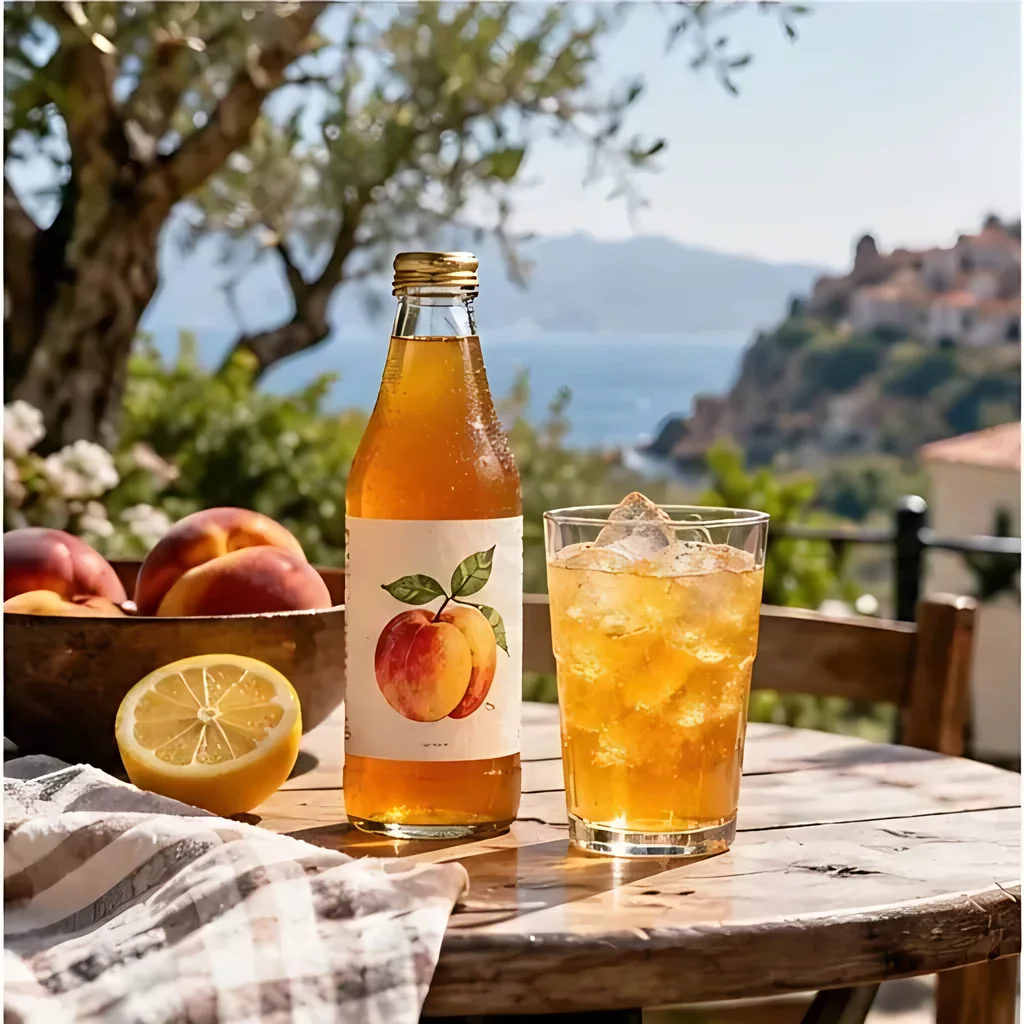
Seaside table
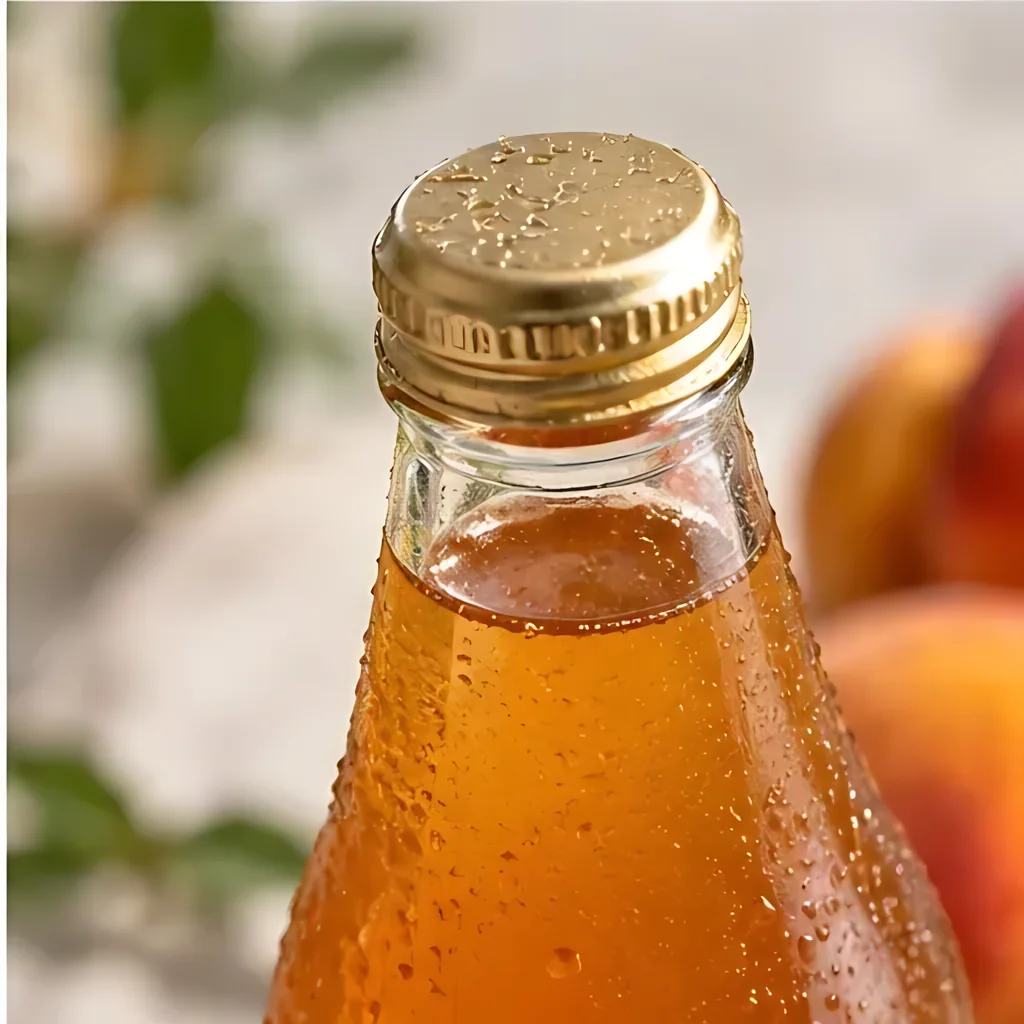
Bottle detail
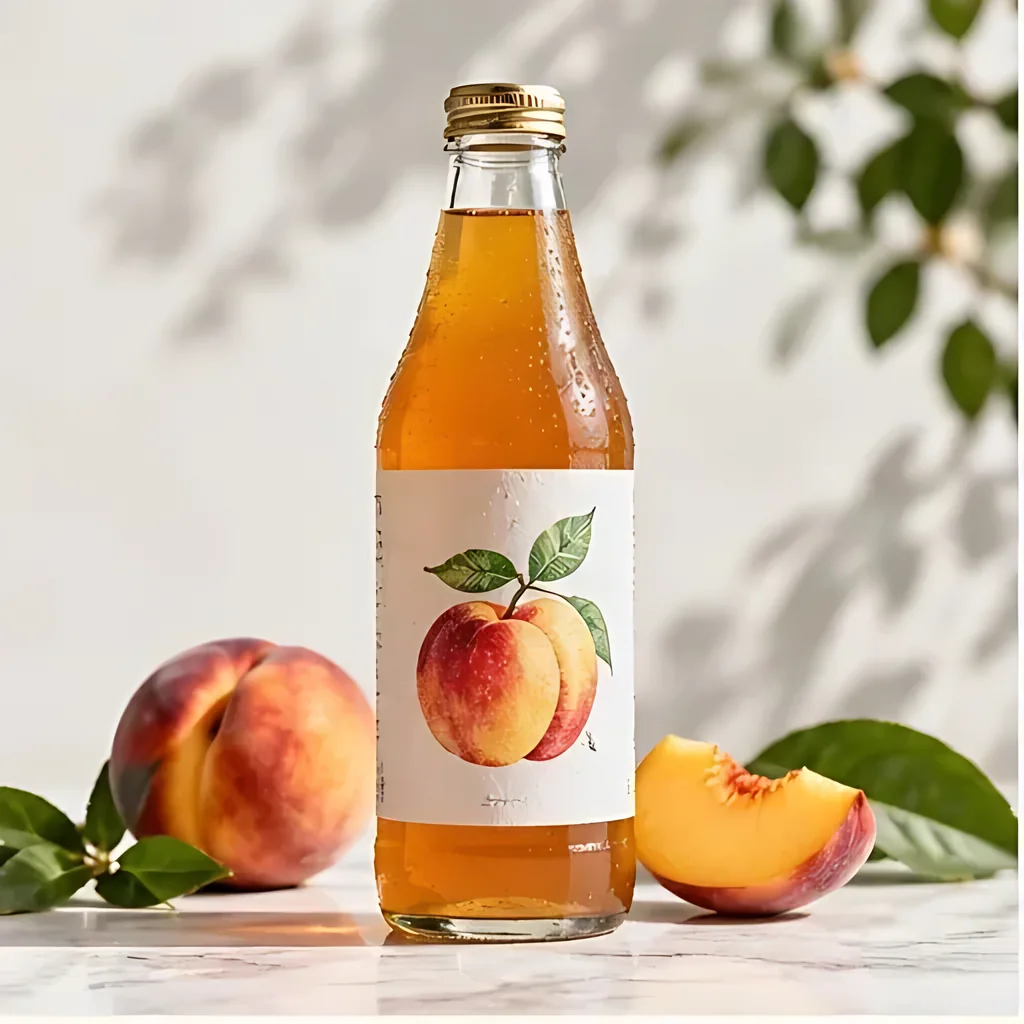
Window light
BeforeAfterStep 4
Download your photos
Each photo is checked against your original before it reaches you. Download at full size or in any marketplace size.
- Ready in about a minute
- 2048 px, JPG, PNG or WebP
- First remake is free
Try it with your own product
Your first 2 photos are free. No card needed.